“SaaS” and “traditional software” get talked about like opposites, but the more useful way to think about them is as two different models for who manages the software, and where it runs. Understanding the practical differences makes it much easier to decide which one — or which mix of both — actually fits your business.
What “traditional software” means today
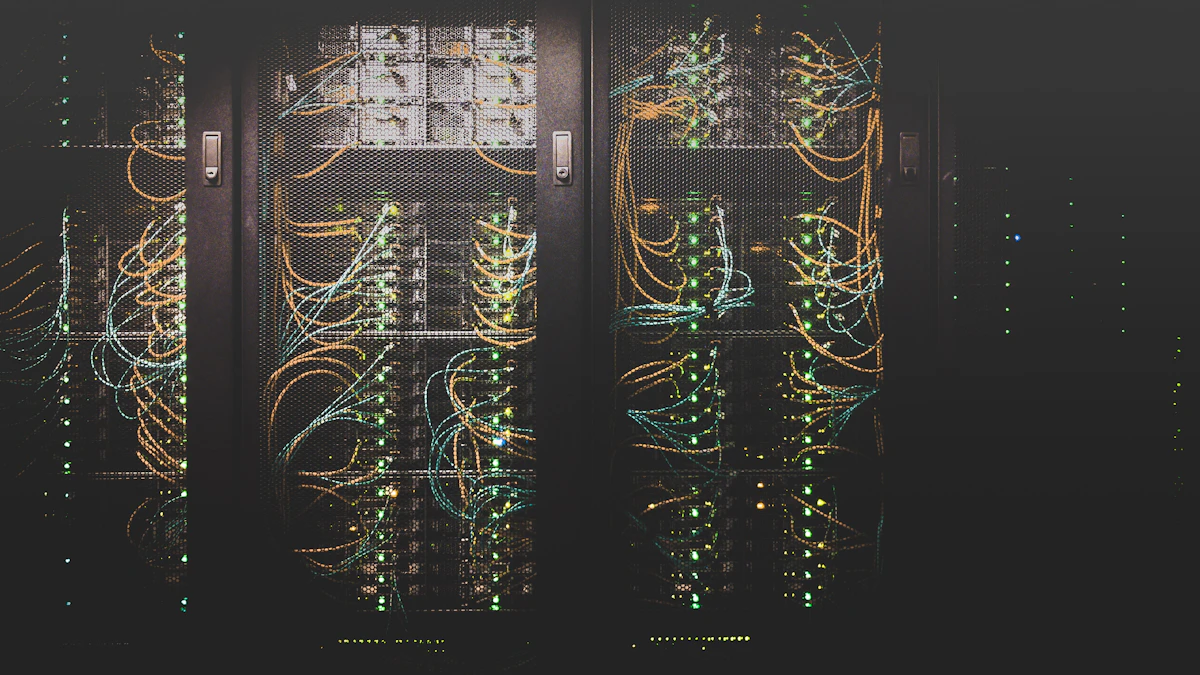
Traditional, or on-premise, software is installed and run on your own hardware — a local server, or a computer in your office. Your team is responsible for installing it, maintaining it, backing it up, and eventually upgrading it. It's still common in industries with strict data residency requirements, or where a business has already invested heavily in infrastructure that a specific system depends on.
What sets SaaS apart
Software-as-a-service is hosted by the provider and accessed over the internet, usually through a browser. You don't install or maintain anything — you log in and use it. That single difference in “who manages it” ripples out into several practical differences.
Deployment and access
SaaS is available as soon as you sign up, from any device with an internet connection. Traditional software typically requires installation on specific machines, and access is often limited to those machines or your local network.
Cost structure
SaaS is usually billed as a predictable monthly or annual subscription. Traditional software often involves a larger upfront license cost, plus separate costs for the hardware, IT support, and maintenance needed to keep it running.
Updates and maintenance
With SaaS, the provider handles updates, security patches, and infrastructure — everyone is automatically on the latest version. With traditional software, your team (or a hired IT provider) is responsible for applying updates, which can mean older versions stay in use longer than intended.
Data and customization
Traditional, on-premise software generally offers more control over exactly where data lives and how deeply the system can be customized, since you own the environment it runs in. SaaS trades some of that control for simplicity, though many SaaS platforms now offer substantial configuration and integration options.
When traditional software still makes sense
On-premise software still has a place — particularly for organizations with strict regulatory or data residency requirements, highly specialized systems that need deep customization, or existing infrastructure investments that are still working well. It's not that one model is universally better; it's that they optimize for different priorities.
How to decide which model fits your business
A few questions tend to make the decision clearer:
- Does your team need to access this system from multiple locations or devices?
- Do you have (or want to have) an internal team dedicated to maintaining software infrastructure?
- Are there specific regulatory or data residency requirements that apply to you?
- How much customization does this system actually need, realistically?
For most small and mid-sized businesses without specialized regulatory needs, SaaS ends up being the simpler, lower-overhead choice — which is part of why it has become the default for so many categories of business software.
Getting help deciding
If you're weighing SaaS against a more custom or on-premise solution for your business, it helps to talk it through with a team that's built both. Explore our software development and cloud services, or get in touch to discuss what fits your situation. You may also want to read our guide to the best SaaS tools for small businesses.